Works behind any router
Both computers connect out, so it works at home, in the office and on mobile hotspots. When a faster path exists, DeskLink switches to it by itself.
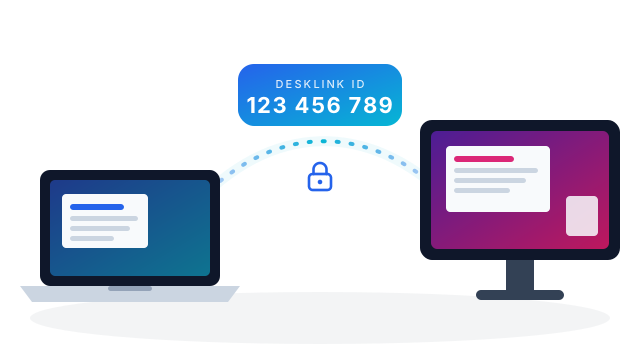
Every PC gets a DeskLink ID, like a phone number. Type it in, enter the password, and you are looking at that PC's screen — from home, the office or anywhere else.
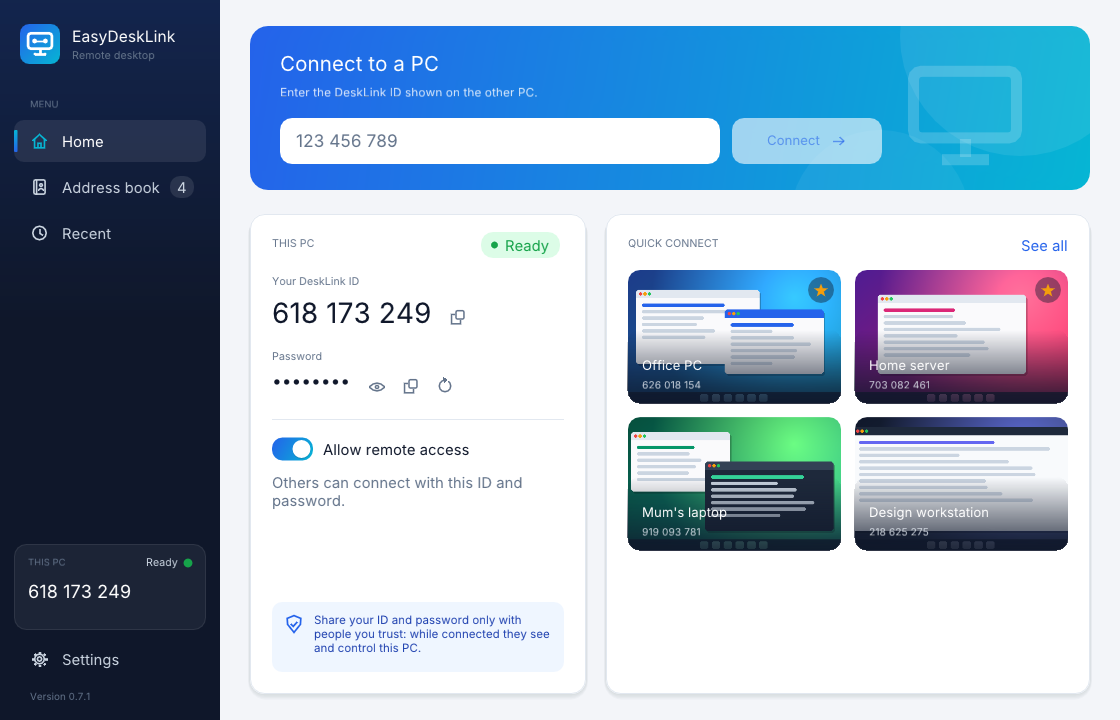
No accounts to create, no router settings, nothing to configure.
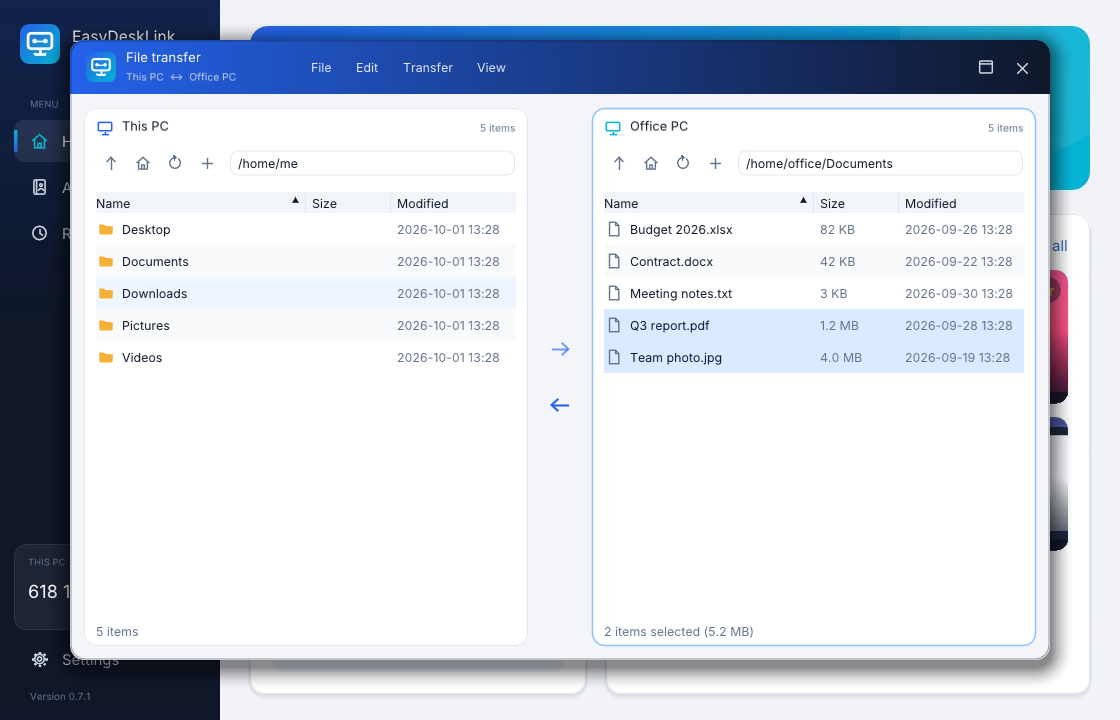
See both computers side by side and drag files across — in a full page, or in a window floating over the remote screen while you keep working.
Both computers connect out, so it works at home, in the office and on mobile hotspots. When a faster path exists, DeskLink switches to it by itself.
The same app on Windows 10/11 and Ubuntu 22.04 / 24.04. Share your own PC or reach another one, from one window.
Browse both computers at once and drag files across in either direction.
Give your PCs names, star the ones you use most and see each one's last screen. One click to connect.
Automatic updates are off until you turn them on, and the previous version stays installed so you can go back with one click.
Let DeskLink remember the passwords of your own PCs, and set a fixed password for the ones you reach often.
Your computer stays yours. Here is how DeskLink keeps it that way.
Nobody gets in without the password shown on your PC. It changes whenever you ask, and wrong guesses are slowed down.
What travels between your computers is encrypted, so others on the network cannot read it.
Every update is signed by the developer and checked before it installs. A changed file is refused.
Download DeskLink for Windows or Ubuntu. EasyDeskLink is currently available by invitation: the download is protected with a password from your administrator.
Go to downloads